Features
Deleting, cloning, moving blocks
This function allows you to select block elements on the page that represent some independent content unit, and perform operations with them to delete, clone, or change the position in the markup.
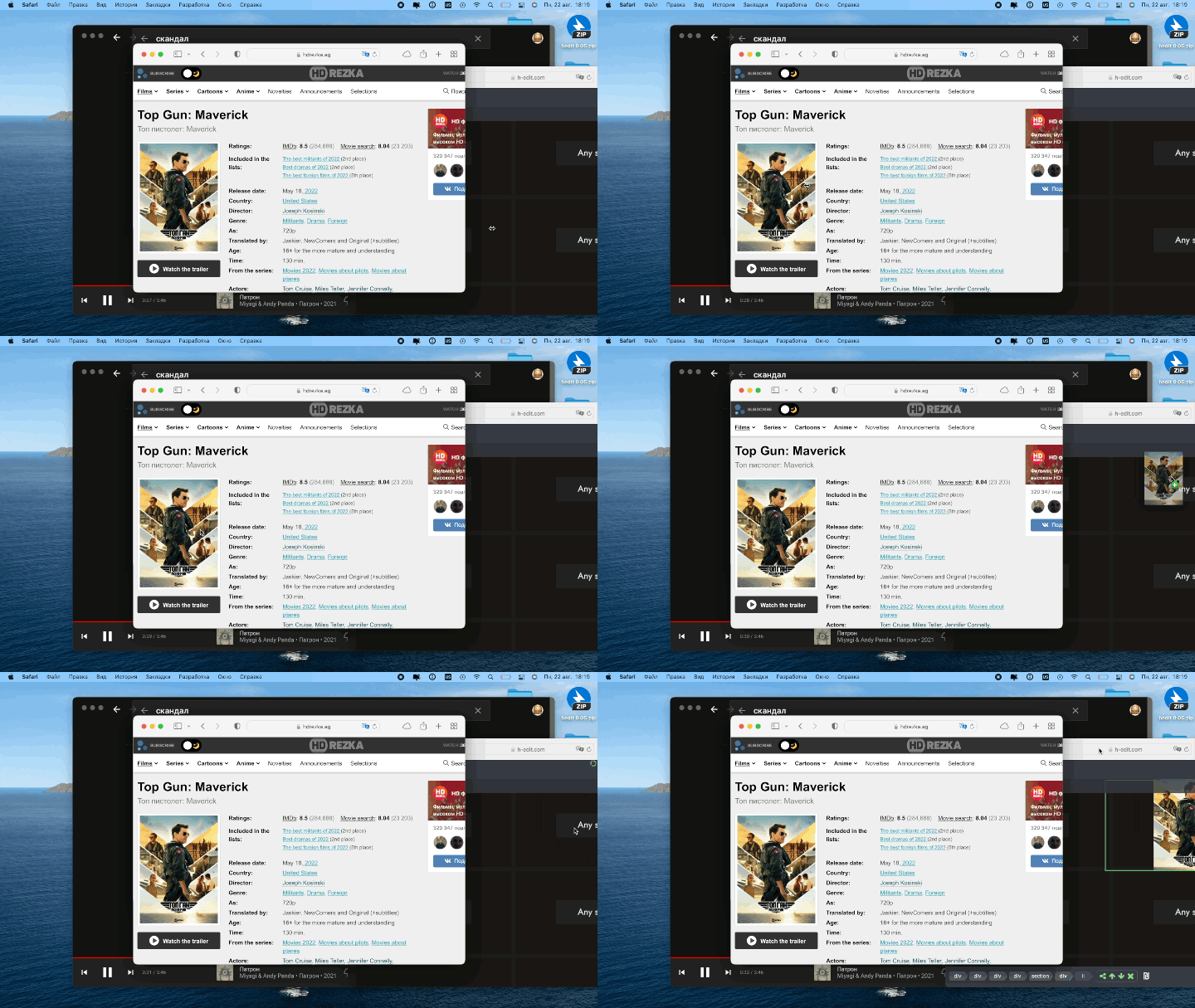
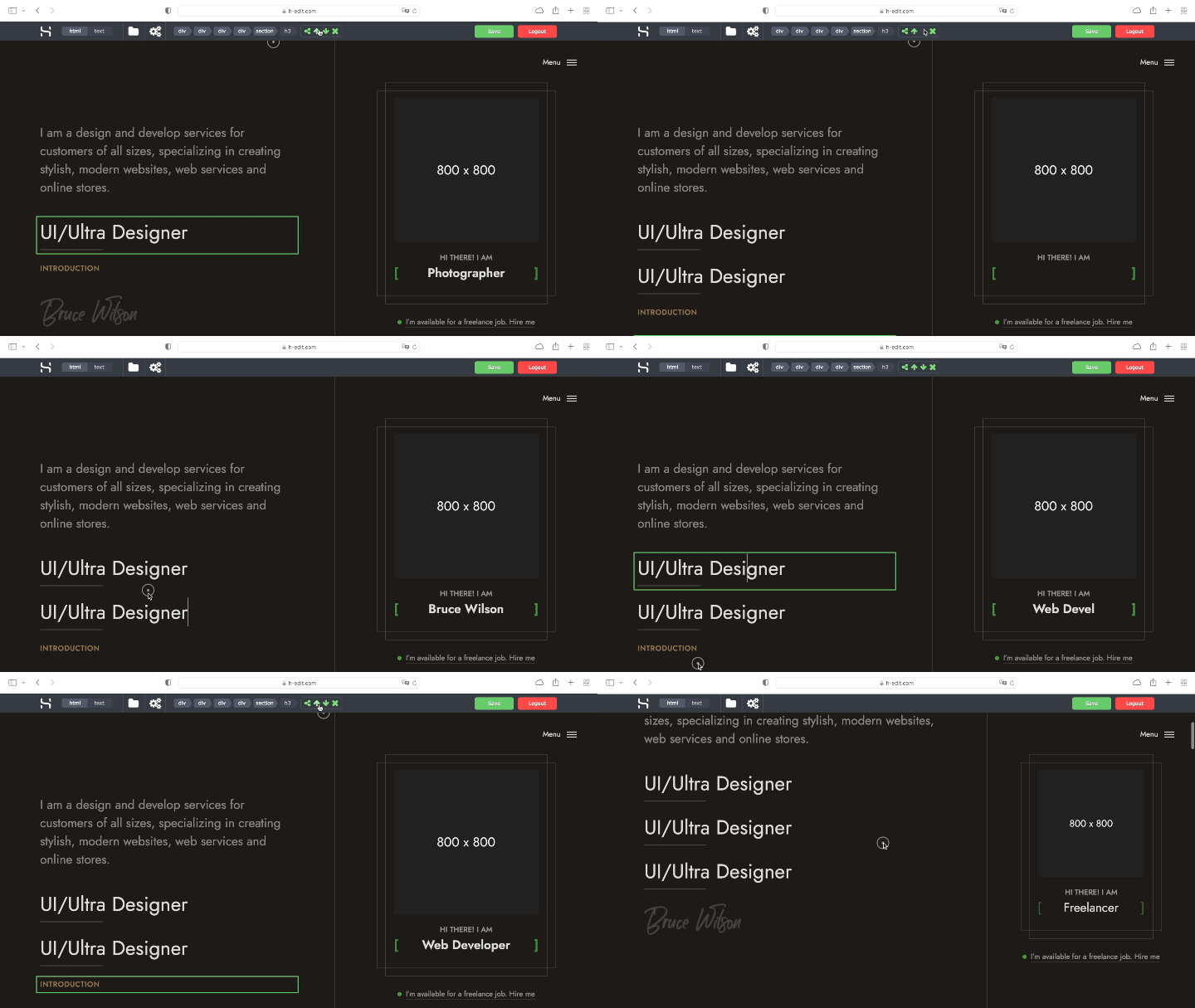
Drag and drop images
You can use this function to swap images by dragging and dropping images within the page. When you drag an image to replace another one, the images automatically change places. This feature can be useful when editing different galleries and pages with many images of the same type.
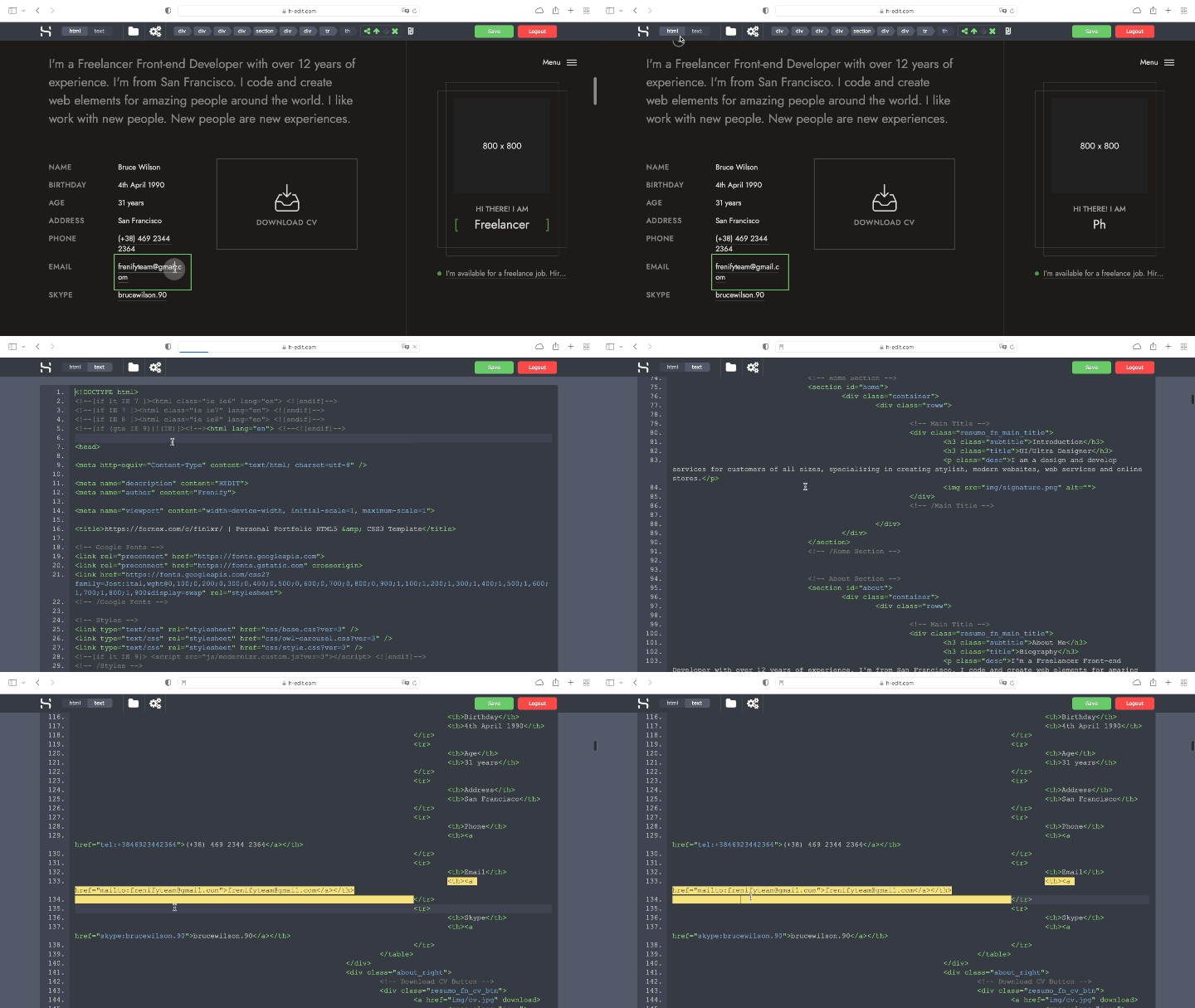
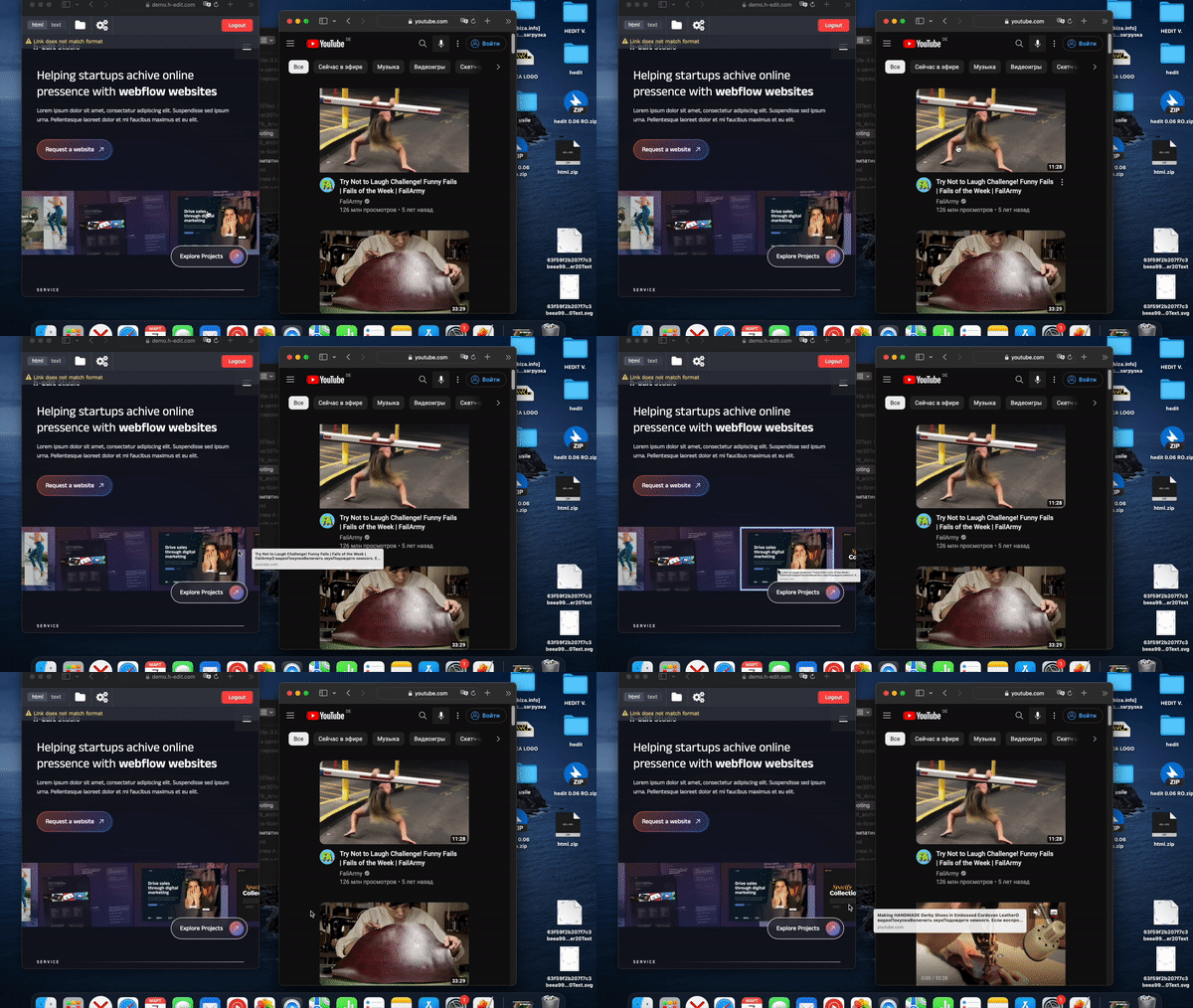
Replace videos by dragging links from sites
You can drag and drop a link to a page with a video, an address from the address bar of a page with a video, an iframe code for a video, or any text with the video ID. Drag-and-drop replacement will work if the old and new videos are hosted on the same video hosting service. If the video hosting services differ, you need to manually change the iframe code to the format of the new video hosting service.
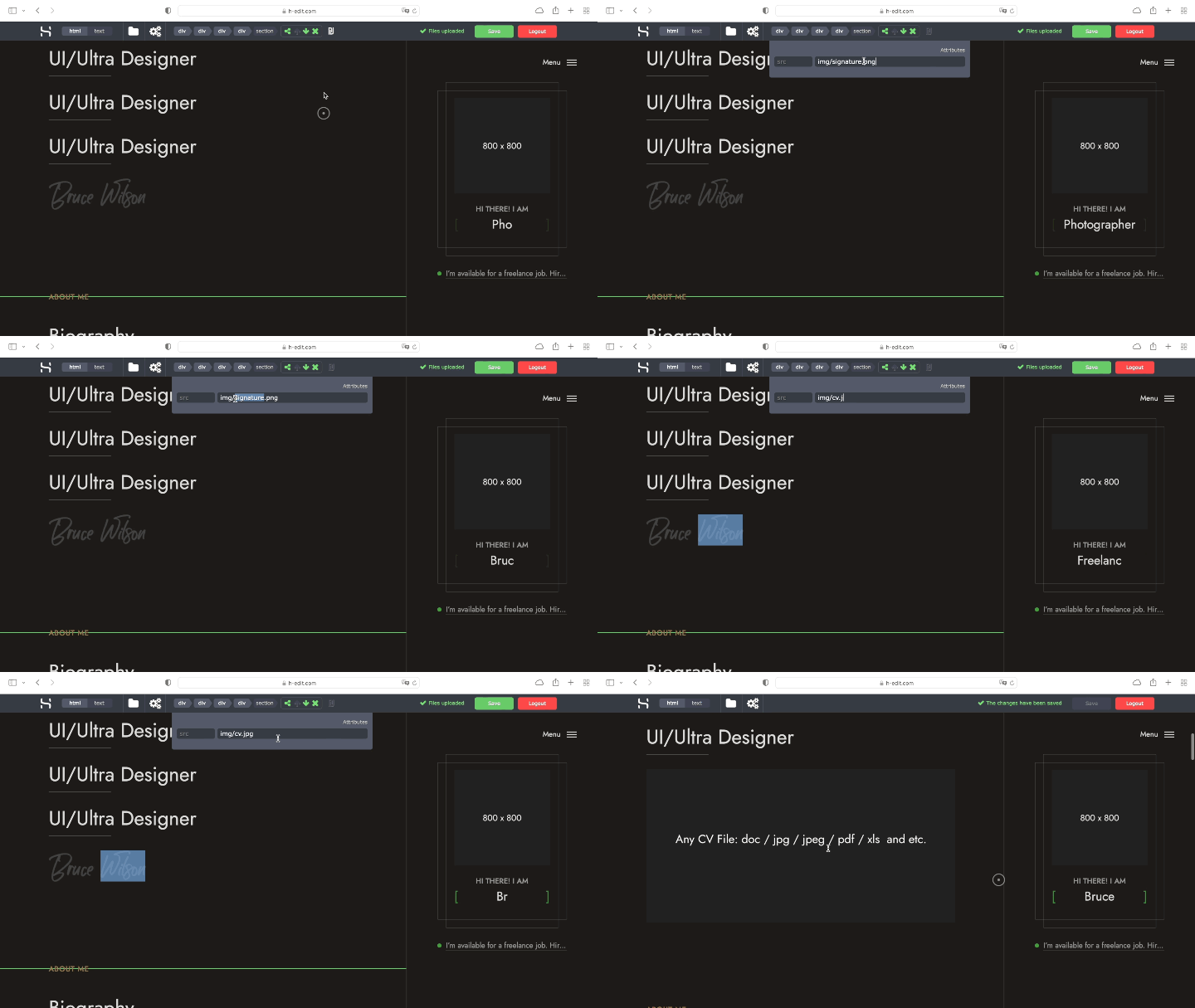
Edit attributes of selected elements
If the element selected in the visual editor has attributes, a menu for editing these attributes appears on the panel. By default, only the most important attributes for visual editing are available for editing. If necessary, the list of available attributes can be extended via the conf. ini file.
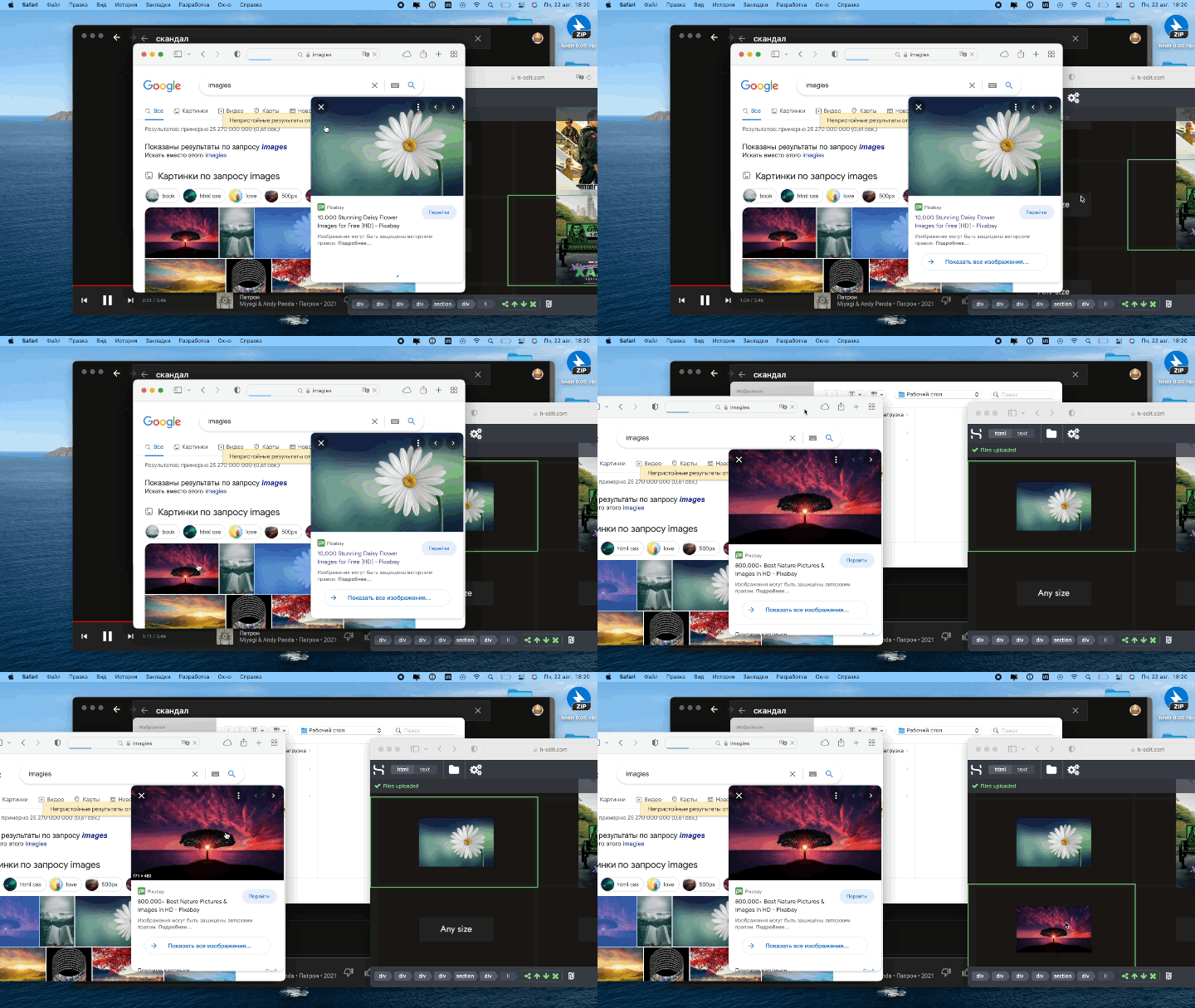
Replace images from browser
You can use this feature to change images by dragging an image file from the operating system directly into the browser window. The system automatically uploads the file to the correct directory on the server and changes the markup accordingly.

Highlights the code
This function will allow you to easily find a section of the source code of the selected element in the visual editor. After setting the focus in the visual editor on the desired element, you can switch to the source code editor and see the source code of the selected element. This feature is not available in the demo version on the site.
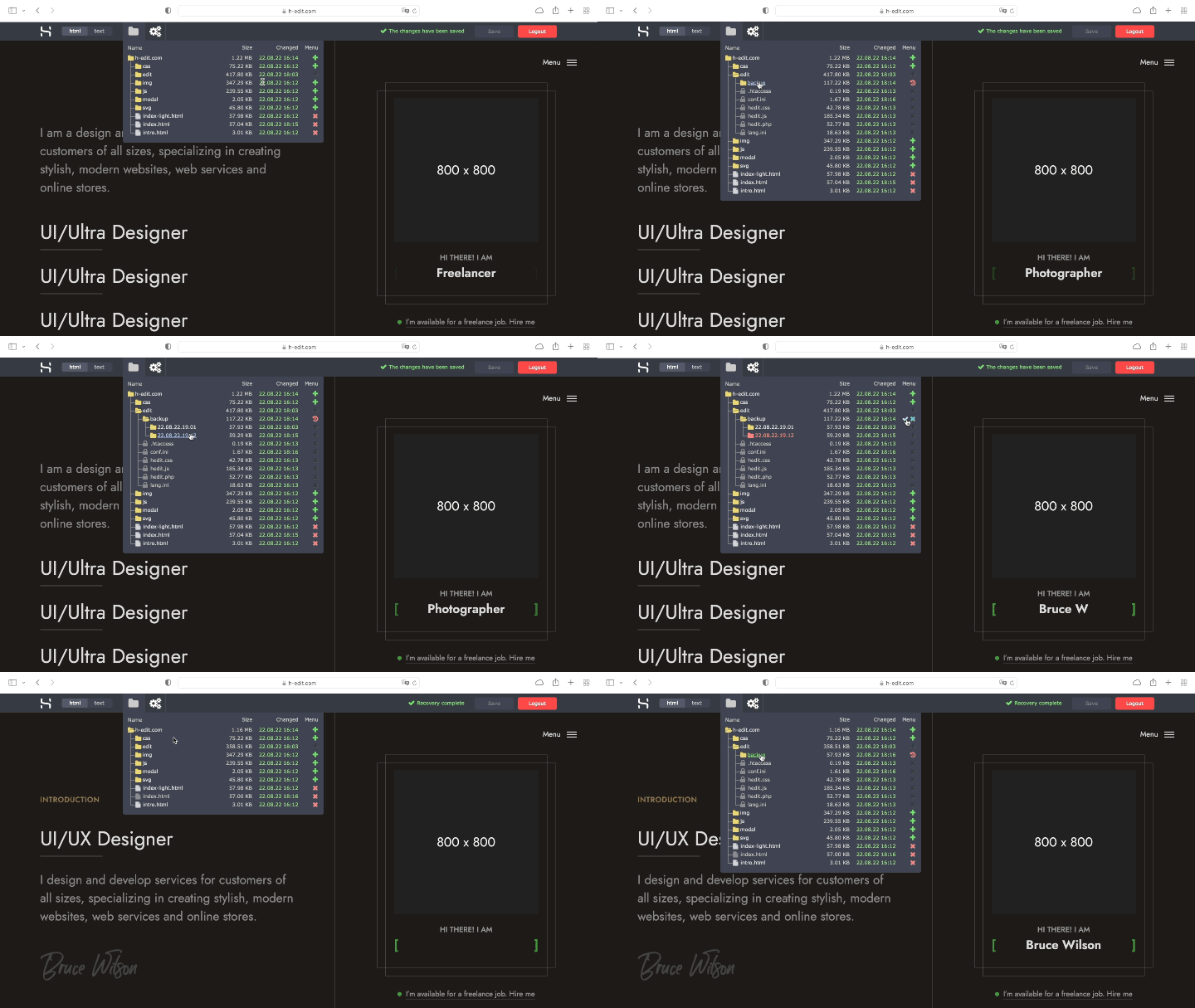
A system for backing up and rolling back recent changes
The system keeps a history of all changes, saves backups of modified files, and creates restore points. Restore points are created automatically after each authorization. If something goes wrong during editing, you can restore the site to the state at the start of one of the last sessions.
Replace images by dragging and dropping them from other pages or sites.
You can use this function to drag and drop images with a direct link to the current source of the image file placement without uploading the file to the server. This feature can be useful when dragging and dropping images from other pages on your site or using external resources to store image files.